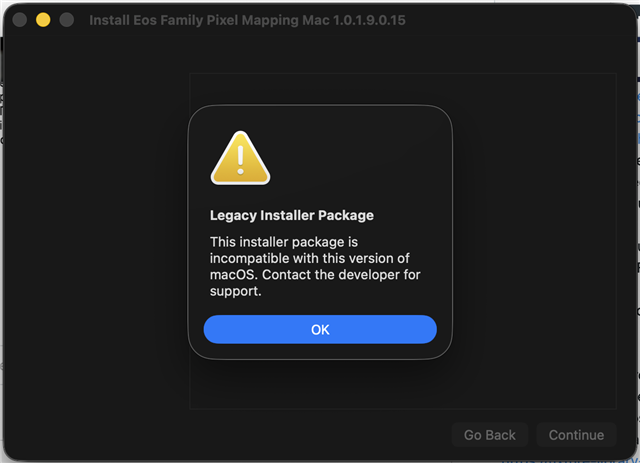
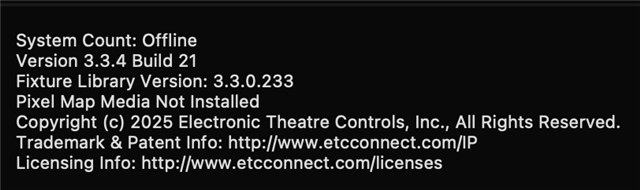
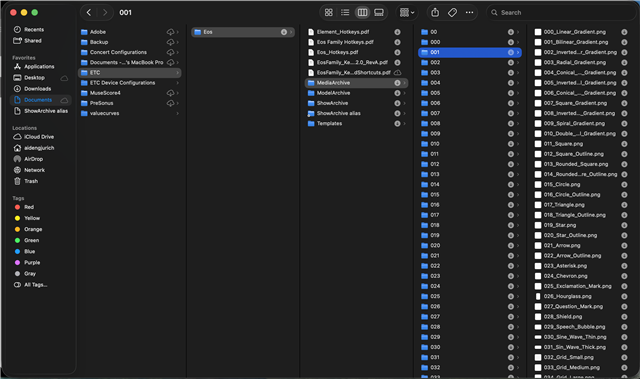
Hey, I’ve been trying to set up different things with pixel mapping on my Mac with Nomad. While going through the virtual media server playlist on YouTube, I was not able to get any images to show up in the virtual media layers when opened in ML Controls. When I opened About in the CIA it says that “pixel map media not installed” and the media archive folders on my Mac are all empty. I had gone on ETC connect and found the installer for Mac but when opening the file I get an error from Apple saying “Legacy installer package, this installer package is incompatible with this version of the macOS. Contact the developer for support.” Then I had then found a folder that had images, gif, and videos, so I tried to manually adding them into the media archive folder, then restarting my computer, but nothing showed up in those channels still. If you know of any way to install the pixel media, I would love to know how to do it!
-Thanks