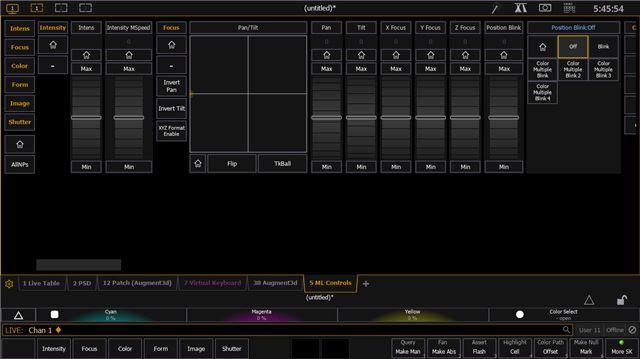


i changed the manual values of pan for a P15 HP M2, because the A3D Fixture is not matching the real world.
After i changed the Values, the crosshair in ML Controls (Tab5) shows the possition wrong.
Now the Fixture is located at the far left side.
even though clicking in the coresponding sectors still makes the fixture work correct.
Changing the manual values back, makes Tab5 look good again.
tested in v3.3.6 & v3.3.8