


Version 3.3.2 PC nomad - offline w/ viz
I'm having a few issues with my A3d model. Firstly, when in the patch screen, I cannot focus static fixtures by clicking on the model. I made a video showing what's happening here: https://youtu.be/Ia-fLzmAfXE. I can't figure out if I'm doing something wrong, but I'm following the youtube guides provided by ETC. It worked in the past but it's not working this year and I don't know why.
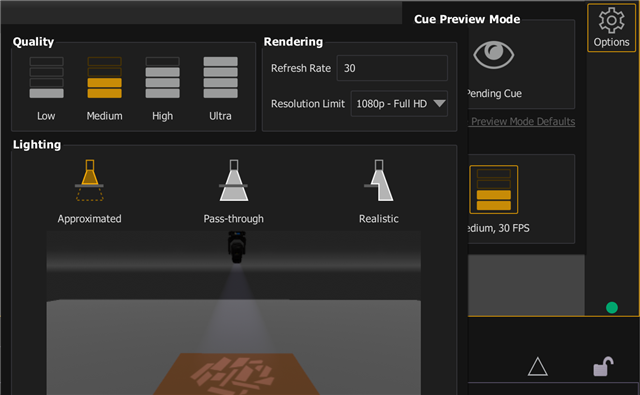
Secondly, as seen in this video: https://youtu.be/XSAOeeRrXNg?si=bbjKB2qSc4BSj3JQ the main drape texture has some anti-aliasing issues and you can see right through it. This was the drape texture added via A3d, not vectorworks, though the model and fixtures were built w/ vwx and imported via .dae and .mvr imports. Is there a way to fix this? My computer has decent specs and up-to-date graphics drivers.
Thirdly, there's no gobo textures for Halycon, SolaFrame 1000's and several other ETC fixtures in their profiles.
5800x3d cpu
32GB DDR5
4060ti Graphics card
1440p monitor
Thanks!


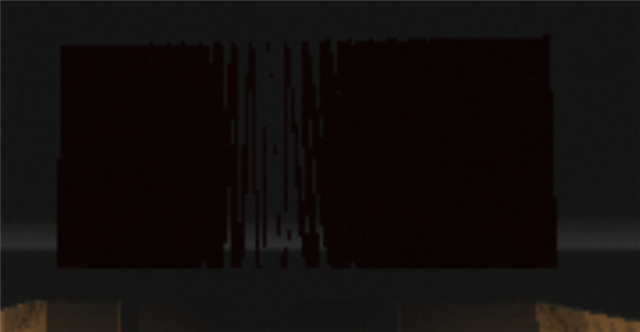 240p
240p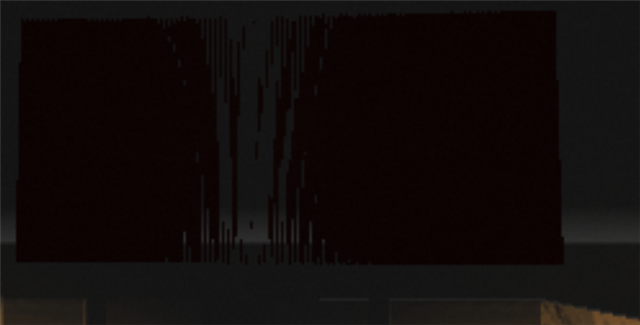 480p
480p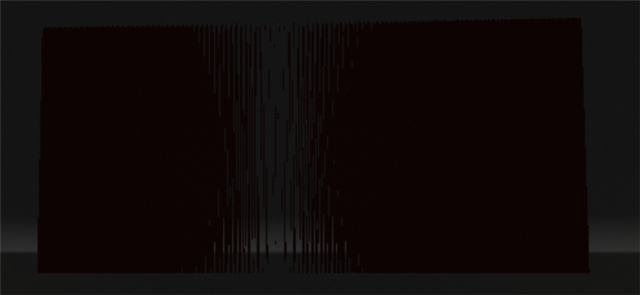 720p
720p 1080p
1080p