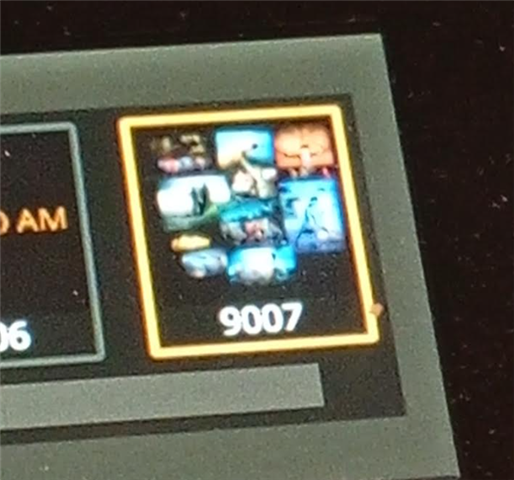
Import own image - Magic Sheet.

EOS 3.3.4

Where do I import images into my EOS client for MagicSheet when I have a server/backup in the system?

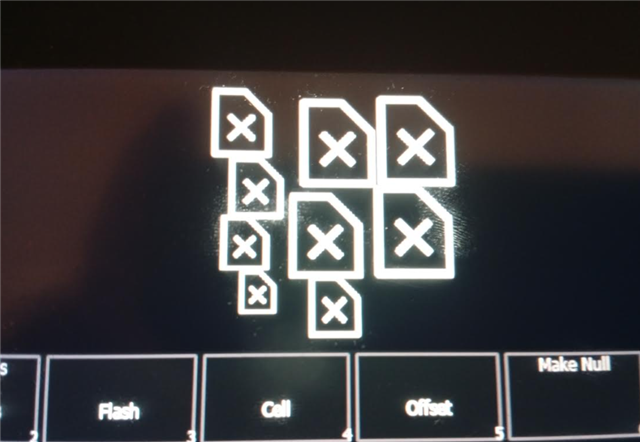
I have tried importing them on the server, but when I restart, only a symbol for missing image is visible instead of the image. If I import on the client and restart, I also get a symbol for missing image there. When I import, I get the image, but it disappears when I restart.

If I do it on a standalone primary, it works great. The problem occurs when I have a server/backup and want to import and use images on a client.

Parents Reply
  • If we make a new file and import an image on magicsheet, it works fine.

    If we then import this new magicsheet to our showfile, it works and show us the images.  

    But if we only import our image to same showfile into magicsheet it "disapear" with a cross-image after restart/reload of file. Unamused

    It´s one of showfiles we had problem with save errors. Could it be another reference-problem in the file? But it´s strange when we import a magicsheet and that one work.

Children
  • That's exactly what we're trying to figure out. It would be helpful to have logs of the simplest possible reproducer. From a deep clear load one of the problematic showfiles, import the image. As soon as you see the x-image hit Displays+Record, save the showfile and pull logfiles.

    Along with the logfiles please also send the showfiles of before and after the import, as well as the image you tried to import.

    Thank you

Related