EOS 3.3.4
Where do I import images into my EOS client for MagicSheet when I have a server/backup in the system?
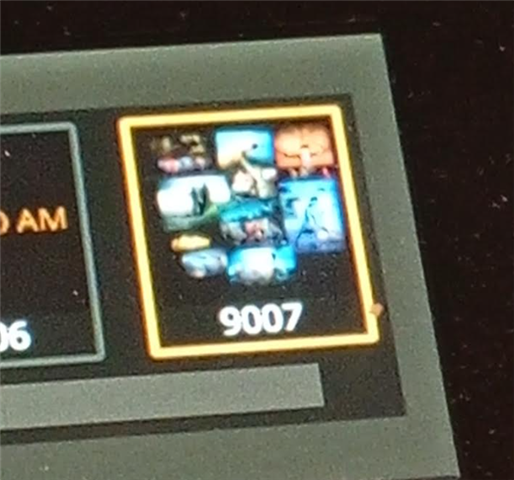
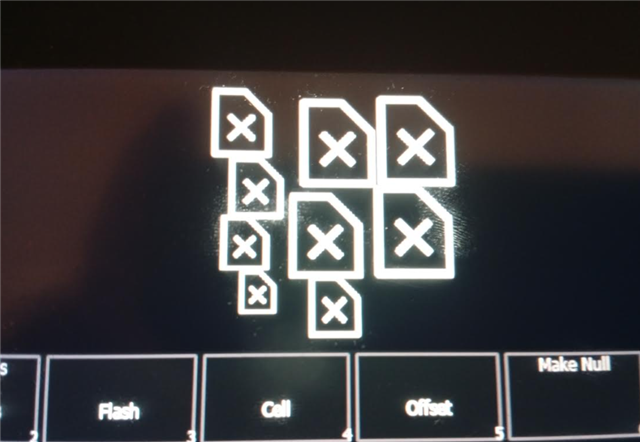
I have tried importing them on the server, but when I restart, only a symbol for missing image is visible instead of the image. If I import on the client and restart, I also get a symbol for missing image there. When I import, I get the image, but it disappears when I restart.
If I do it on a standalone primary, it works great. The problem occurs when I have a server/backup and want to import and use images on a client.