Nested/Embedded Palettes in Presets

Due to a bit of slop while programming, I've got a few presets depending on focus palettes. If I were to delete these focus palettes, would the preset retain the data or would the focus information get nulled out?

Parents
  • Hi.  Deleting the palettes will convert any of their data used in presets to absolute data in those presets.

    Hope that helps!

    a


  • Wouldn't it be more correct if deleting a preset converted their data to the underlying data, which might be various palettes?

    I currently have a look we built as a preset, it contains intensity and color palette information. Now that we're in the right place in the show, I have applied the preset into the cues, and want to delete it so it's just stored as intensity with a color palette like everything else, but doing so breaks the reference to my color palettes.

  • Hi Taylor.

    (TL:DR: Use Absolute Presets)

    Just to be clear, what you're talking about and what clear_all asked are two different things. 

    Palette > Preset > Cue

    In clear_alls case, you are deleting a reference to a palette inside a preset. The preset still stays applied in the Cue. 

    In your case, you are deleting the Preset, which is referencing the palette, and being referenced by the Cue (turning it Absolute in the process).

    I do get your point though. Since the values originally stored in the preset are the values of Palettes, why make them absolute when they could just point back to the original data source. Maybe this can be a feature request.

    I do have two ideas on how your proposed workflow can work. If you're planning to build your show with Nested palettes, inside presets, but you want to keep the palette reference, you can turn your preset into an Absolute Preset. This way, when you apply the Absolute preset, the actual reference being stored in the Cue is your palettes. This should work perfectly for you.

    My 2nd idea (bear with me, this is a bit meta) is that you could treat Cue data like a "Mega Preset", because i mean that's really kinda just what it is. So there's essentially 3 layers of referencing going on. A preset can reference multiple Palettes, and a Cue can reference multiple Presets. Using Record Only or Blind Edit, you could fill a cue with only Presets, and then use RecallFrom to get your look (based on presets, which are based on palettes) into a cue in your main cuelist.

    Just thinking out loud here... Wink

    Hope this helps. 

Reply
  • Hi Taylor.

    (TL:DR: Use Absolute Presets)

    Just to be clear, what you're talking about and what clear_all asked are two different things. 

    Palette > Preset > Cue

    In clear_alls case, you are deleting a reference to a palette inside a preset. The preset still stays applied in the Cue. 

    In your case, you are deleting the Preset, which is referencing the palette, and being referenced by the Cue (turning it Absolute in the process).

    I do get your point though. Since the values originally stored in the preset are the values of Palettes, why make them absolute when they could just point back to the original data source. Maybe this can be a feature request.

    I do have two ideas on how your proposed workflow can work. If you're planning to build your show with Nested palettes, inside presets, but you want to keep the palette reference, you can turn your preset into an Absolute Preset. This way, when you apply the Absolute preset, the actual reference being stored in the Cue is your palettes. This should work perfectly for you.

    My 2nd idea (bear with me, this is a bit meta) is that you could treat Cue data like a "Mega Preset", because i mean that's really kinda just what it is. So there's essentially 3 layers of referencing going on. A preset can reference multiple Palettes, and a Cue can reference multiple Presets. Using Record Only or Blind Edit, you could fill a cue with only Presets, and then use RecallFrom to get your look (based on presets, which are based on palettes) into a cue in your main cuelist.

    Just thinking out loud here... Wink

    Hope this helps. 

Children
  • Yes I understand this isn't directly the OP's issue, but it is the only place I can find documenting the "convert to absolute rather than immediate child data".

    Absolute presets are useful but do not have any bearing on when I already have preseted data stored that I want to remove. This is not about an intentional workflow- if I knew how I would ultimately want it stored in the cues I would have stored it that way. Things change. Plans are incompletely communicated. We adapt as best we can.

    I don't think it's a hot take that when a container is removed, the data should fall back to the most immediate child rather than the farthest removed child. This is a problem that can only be fixed by reprogramming the Eos behavior. The Eos code is doing what it's "supposed to", I just think it was an erroneous choice, so I would still call it a bug.

  • I do agree with you. It would be a nice failsafe and help preserve palette references, which were stored there for a reason. This might have been a conscious decision 15 years ago, but I think it's valid to revisit this with current and future workflows in mind, which are only getting more complex and increasingly reference-based. 

    - Just adding this here. Maybe this is helpful for some -

    Your post got me thinking about how you could be able to unnest palettes from presets in bulk. I was able to get this to work to a certain degree.

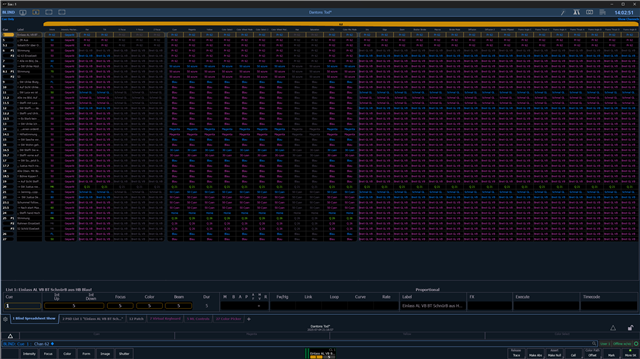
    I grabbed a showfile that I knew was pretty tidy. In LIVE Cue 1, for Chan 62, I stored FPs, CPs, BPs and nested them inside Preset 62. Update Track #.

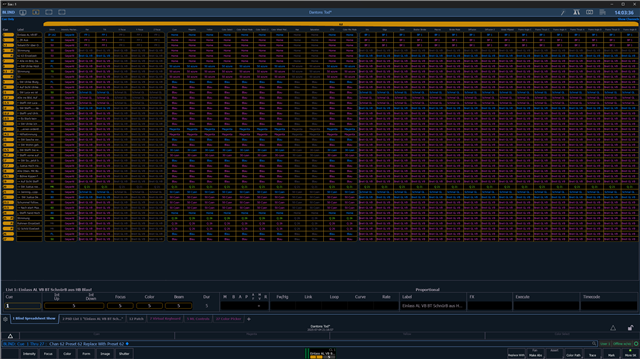
    Now I changed Preset 62 to an Absolute Preset. BLIND: Cue Thru # Chan 62 Preset 62 Replace With Preset 62#

    This effectively unnests Preset 62 and can be done in Bulk over a range of Cues and Channels for singular Presets. Maybe this can be macrotized to boil down to a "Unnest Preset" Macrobutton.

    Hopefully, this is helpful. 

Related